
The Best TradeStation Alternatives for Automated Trading

For most traders, the best alternatives to TradeStation are automation-first, web-based platforms that pair deterministic backtesting with no-code or plain-English strategy creation. Traders prioritize automated execution, reliable backtesting, and lower fees when switching, and the platforms that deliver all three in one workflow tend to win. Here’s a quick-reference shortlist by category:
- Web-based no-code (recommended): Quantgenie — best for beginners through professionals who want to describe strategies in plain English and get deterministic, repeatable backtest results without writing a single line of code.
- Charting-first with scripting: TradingView — best for discretionary traders who want powerful charting plus Pine Script automation.
- Cloud quant research: QuantConnect — best for quant developers comfortable with Python who need institutional-grade data and multi-asset backtesting.
- Broker-integrated terminal: Interactive Brokers TWS (IBKR) — best for active traders who prioritize execution quality and direct market access across 170+ markets.
- Futures and order-flow desktop: NinjaTrader — best for futures specialists who rely on order-flow analysis and tick-level data.
- Broker-connected API: Alpaca — best for developers building fully automated systems via REST API with no minimum deposit.
- Multi-asset scripting: MetaTrader 5 (MT5) — best for forex and CFD traders who already know MQL5 and want a familiar scripting environment.
Pro Tip: Before you commit to any platform, run one of your existing strategies through its paper-trading environment for at least two weeks. If the fills and slippage don’t match your backtest assumptions, that’s your answer before you risk real capital.
Table of Contents
- What are the best TradeStation alternatives for automation and backtesting?
- Quick profiles: what does each alternative actually offer you?
- How do you choose the right TradeStation alternative for your workflow?
- Step-by-step migration checklist when moving off TradeStation
- What makes a backtest actually trustworthy?
- How we evaluated platforms for this article
- Key Takeaways
- The case for demanding more from your trading platform
- Quantgenie: no-code deterministic backtesting for serious traders
- Sources & further reading
What are the best TradeStation alternatives for automation and backtesting?
| Category | Best for | Automation & live execution | Backtesting fidelity | Strategy development | Pricing & fees | Supported markets | Trial/paper trading | Data quality | Support & community |
|---|---|---|---|---|---|---|---|---|---|
| Web-native no-code | Beginners to professionals | Direct broker integrations, no-code live deploy | Deterministic, validated market data | Natural language / drag-and-drop | Subscription tiers; free trial available | Equities, futures, crypto | Yes | Institutional-grade | Guided onboarding, documentation |
| Charting + scripting | Discretionary & semi-automated traders | Broker alerts and webhooks; limited native execution | Good; not always deterministic | Pine Script (proprietary) | Free tier; paid plans from ~$15/mo | Equities, forex, crypto, futures | Yes (paper mode) | Exchange feeds | Large community, public scripts |
| Cloud quant research | Python-fluent quant developers | Brokerage API connections; live algorithm deployment | High; tick and minute data available | Python (C# also supported) | Free tier; paid tiers for live trading | Equities, futures, crypto, forex | Yes | Curated data library | Active forum, documentation |
| Broker-integrated terminal | Active traders, institutions | Direct market access, 170+ markets | Good; depends on data subscription | TWS API, third-party plugins | Low commissions; platform free with account | Equities, options, futures, forex, bonds | Paper trading account | Professional data feeds | Extensive docs; large user base |
| Futures/order-flow desktop | Futures specialists | NinjaScript automation; broker connections | Good; tick replay available | NinjaScript (C#-based) | Free with funded account; data fees apply | Futures, forex, equities | Sim mode | Exchange and third-party data | Strong futures community |
| Broker-connected API | Developer-first automated traders | REST API, WebSocket; Alpaca broker | Backtesting via third-party libraries | Python/REST API | Commission-free for equities; no minimum | US equities, options, crypto | Paper trading API | Polygon.io integration | Developer docs, Discord |
| Multi-asset scripting | Forex/CFD traders | MQL5 automation; broker-dependent | Good; broker data quality varies | MQL5 scripting | Free platform; broker spreads/commissions | Forex, CFDs, equities, futures | Strategy Tester (offline) | Broker-supplied | Large MQL5 community |
Pricing shapes to watch: Subscription platforms typically charge $15–$150/month for live trading tiers, with separate exchange data fees that can add $10–$30/month per feed. Commission-based platforms look cheaper upfront but cost more at volume. Always check whether paper trading, historical data depth, and API access are gated behind paid tiers — those are common hidden costs reviewers flag repeatedly.
Quick profiles: what does each alternative actually offer you?
Quantgenie (web-native no-code)
- Core strength: Describe a strategy in plain English; the platform translates it into a deterministic algorithm with validated market data. Identical inputs produce identical backtest results, every time.
- Weakness: Newer platform; ecosystem of pre-built community strategies is still growing.
- Ideal user: Any trader who wants institutional-grade backtesting without learning EasyLanguage, Pine Script, or Python.
- Migration friction: Near-zero for logic porting. Translate your EasyLanguage rulebook into a plain-English description and the platform handles the rest.
TradingView (charting + scripting)
- Core strength: Best-in-class charting with a massive library of community scripts. Web-based platforms with AI-assisted analysis like this reduce the coding barrier for many traders.
- Weakness: Native live execution is limited; most automation requires webhook-to-broker workarounds.
- Ideal user: Discretionary traders who want to automate alerts and simple entries, not full strategy deployment.
- Migration friction: Moderate. Pine Script is readable but not EasyLanguage, so logic porting takes time.
QuantConnect (cloud quant research)
- Core strength: Deep data library, Python-native, and genuinely institutional in scope. Walk-forward and out-of-sample testing are built in.
- Weakness: Steep learning curve for non-developers. Free tier limits live trading.
- Ideal user: Quant developers who want to research and deploy multi-asset strategies at scale.
- Migration friction: High if you’re coming from EasyLanguage. Expect days to weeks porting complex logic.
Interactive Brokers TWS / IBKR
- Core strength: Execution quality and market breadth are hard to beat. Direct market access across equities, options, futures, forex, and bonds.
- Weakness: The TWS interface is dense. Backtesting lives in third-party tools, not the platform itself.
- Ideal user: Active traders and institutions where execution precision and low commissions matter most.
- Migration friction: Low for execution; high for backtesting, since you’ll need a separate research environment.
NinjaTrader (futures/order-flow desktop)
- Core strength: Tick-level data, order-flow tools, and a sim mode that closely mirrors live fills. Strong for futures.
- Weakness: NinjaScript is C#-based, so porting from EasyLanguage still requires developer effort.
- Ideal user: Futures traders who rely on DOM, volume profile, and order-flow analysis.
- Migration friction: Moderate to high depending on strategy complexity.
Alpaca (broker-connected API)
- Core strength: Commission-free US equities trading via a clean REST API. No minimum deposit. Paper trading API mirrors live behavior.
- Weakness: No native strategy builder. You write and maintain all code yourself.
- Ideal user: Developers who want to deploy fully automated systems and manage everything programmatically.
- Migration friction: High. Alpaca is infrastructure, not a strategy environment.
MetaTrader 5 (multi-asset scripting)
- Core strength: Widely supported by forex and CFD brokers. MQL5 is mature, and the Strategy Tester covers multi-currency backtesting.
- Weakness: Backtesting quality depends heavily on broker-supplied data, which varies.
- Ideal user: Forex and CFD traders already familiar with the MT4/MT5 ecosystem.
- Migration friction: High for equity-focused TradeStation users; the asset class overlap is limited.
How do you choose the right TradeStation alternative for your workflow?
Pick the platform that matches your deployment workflow: no-code-to-live, script-to-live, or broker-first execution. That single decision eliminates most of the shortlist immediately.
Industry analysts warn that traders, especially beginners and intermediates, over-prioritize broad multi-asset brokerage features instead of asking whether the platform actually supports their testing and deployment workflow. Ask these questions first:
- Does the platform produce deterministic backtests? Run the same strategy twice. If results differ, the data or execution model is non-deterministic.
- What broker integrations are supported, and do they publish latency metrics?
- Is paper trading available, and does it use the same execution model as live trading?
- What is the historical data depth and tick granularity for your asset class?
- Does the platform model slippage and commissions in backtests, or does it assume perfect fills?
Red flags to walk away from:
- Pricing that hides data fees or API access behind higher tiers
- No paper-trading environment or sim mode
- Backtests that can’t be reproduced with identical inputs
- No published execution metrics or broker latency data
- Community forums full of unanswered support questions
Step-by-step migration checklist when moving off TradeStation
Migrating from TradeStation involves more than signing up for a new account. The porting and validation steps are where most traders lose time.
- Audit your strategies and indicators (2–4 hours): Document every rule, parameter, and data dependency. Note which use TradeStation-specific functions with no direct equivalent elsewhere.
- Export historical data and signals (1–2 hours): Pull your backtest results and trade logs. These become your parity benchmark.
- Port or translate strategy logic (1 day to several weeks): This is the longest step for complex EasyLanguage strategies. A no-code platform like Quantgenie lets you describe rules in plain English instead of rewriting code.
- Validate backtest parity (1–3 days): Run the ported strategy on the same date range with the same parameters. Results should match your TradeStation baseline within a reasonable margin.
- Run extended paper trading with bar-replay (2–4 weeks): Paper-trading environments are the only way to verify that simulated fills match live behavior before committing capital.
- Test live execution latency with small capital (1–2 weeks): Start with minimum position sizes. Measure fill times and compare to paper-trade results.
- Monitor and iterate (ongoing): Track slippage, fill quality, and strategy drift. Adjust parameters based on live data, not just backtest history.
Pro Tip: Before scaling capital, deliberately run your strategy through a high-volatility session, such as a Fed announcement or earnings release. Broker API reliability is the most common failure point between backtesting and live trading, and it only shows up under stress.
What makes a backtest actually trustworthy?

Deterministic, repeatable backtests with validated market data are the gold standard for any capital deployment decision. A backtest that produces different results on repeated runs is not a backtest — it’s a simulation with unknown variance baked in.
Practical validation steps every trader should run:
- Use tick-level or consolidated intraday data for strategies that trade intraday; daily bars miss execution-critical detail.
- Test across multiple lookback windows, not just the period that looks best.
- Run out-of-sample and walk-forward tests to check whether the edge holds on unseen data.
- Model slippage and commissions explicitly. Assuming perfect fills inflates returns significantly.
- Verify that the platform uses a deterministic seed and produces identical results across repeated runs.
- Confirm that signal backtesting methodology matches your live execution assumptions.
The gap between a polished backtest and live performance often comes down to data quality. Platforms that use pre-validated, institutional-grade market data close that gap. Those that rely on broker-supplied or unaudited data leave it open. Running a micro-sized live test alongside paper trading for the same period is the fastest way to measure that gap directly.
Treat your platform as a validation environment first and a charting tool second. Deterministic backtesting and published execution metrics are the two trust signals that matter most before you deploy real capital.
How we evaluated platforms for this article
Evaluation criteria, in priority order:
- Automation and broker integrations: Does the platform support live execution with documented broker connections and published latency metrics?
- Backtest determinism and data sources: Are results reproducible? Is the underlying market data validated or broker-supplied?
- Strategy development UX: Is no-code, visual, or scripted strategy creation available? How steep is the learning curve?
- Execution latency and metrics: Does the platform publish fill times, slippage data, or order routing details?
- Pricing transparency: Are all fees, data costs, and tier restrictions disclosed upfront?
- Trial and paper trading: Is a free or paper-trading environment available before committing capital?
- Documentation and community: Is support responsive? Are docs current and complete?
Sources consulted include independent platform reviews from Benzinga, ChartingLens, SoftwareSuggest, and Strike.money, plus published vendor documentation and benchmark comparison resources for backtesting methodology. Automation-first capability and deterministic backtesting carried the most weight in the final evaluation, consistent with what industry experts recommend for traders moving away from legacy desktop platforms.
Key Takeaways
Automation-first platforms with deterministic backtesting and direct broker integrations are the most reliable TradeStation alternatives for traders at every level.
| Point | Details |
|---|---|
| Prioritize determinism | Run any candidate platform’s backtest twice with identical inputs; differing results disqualify it. |
| Match platform to workflow | No-code-to-live, script-to-live, and broker-first execution are three distinct workflows requiring different tools. |
| Budget for hidden fees | Data feeds, API access, and live trading tiers often add $10–$30/month beyond the base subscription. |
| Paper trade before going live | Run at least two weeks of paper trading, including a volatile session, before committing real capital. |
| Quantgenie for no-code migration | Quantgenie translates plain-English strategy descriptions into deterministic algorithms with validated market data and direct broker integrations. |
The case for demanding more from your trading platform
The conventional wisdom when switching platforms is to find the closest feature match to what you already use. That’s the wrong frame. TradeStation’s real value was never the charting or the EasyLanguage syntax — it was the idea that you could test a strategy rigorously before trading it live. Most traders who leave TradeStation end up on platforms that look more modern but actually deliver less validation discipline.
The shift toward web-based, no-code environments isn’t just about convenience. It’s about removing the gap between “I have an idea” and “I have a tested, deployable algorithm.” When that gap requires a developer, most traders either skip the testing or outsource it to someone who doesn’t understand the strategy. Neither outcome is good.
What actually matters is whether the platform forces you to be rigorous. Deterministic backtesting does that. A paper-trading environment that mirrors live execution does that. Published execution metrics do that. Everything else, the UI, the community scripts, the mobile app, is secondary. Pick the platform that makes it hard to fool yourself, not the one with the best marketing.
Quantgenie: no-code deterministic backtesting for serious traders
Every platform on this list has a learning curve, a coding requirement, or a gap between backtesting and live execution. Quantgenie closes all three at once. Describe your strategy in plain English, and the platform translates it into a deterministic algorithm backed by institutional-grade validated market data. Every backtest produces identical results under the same conditions, so you’re testing a real edge, not an artifact of data noise.
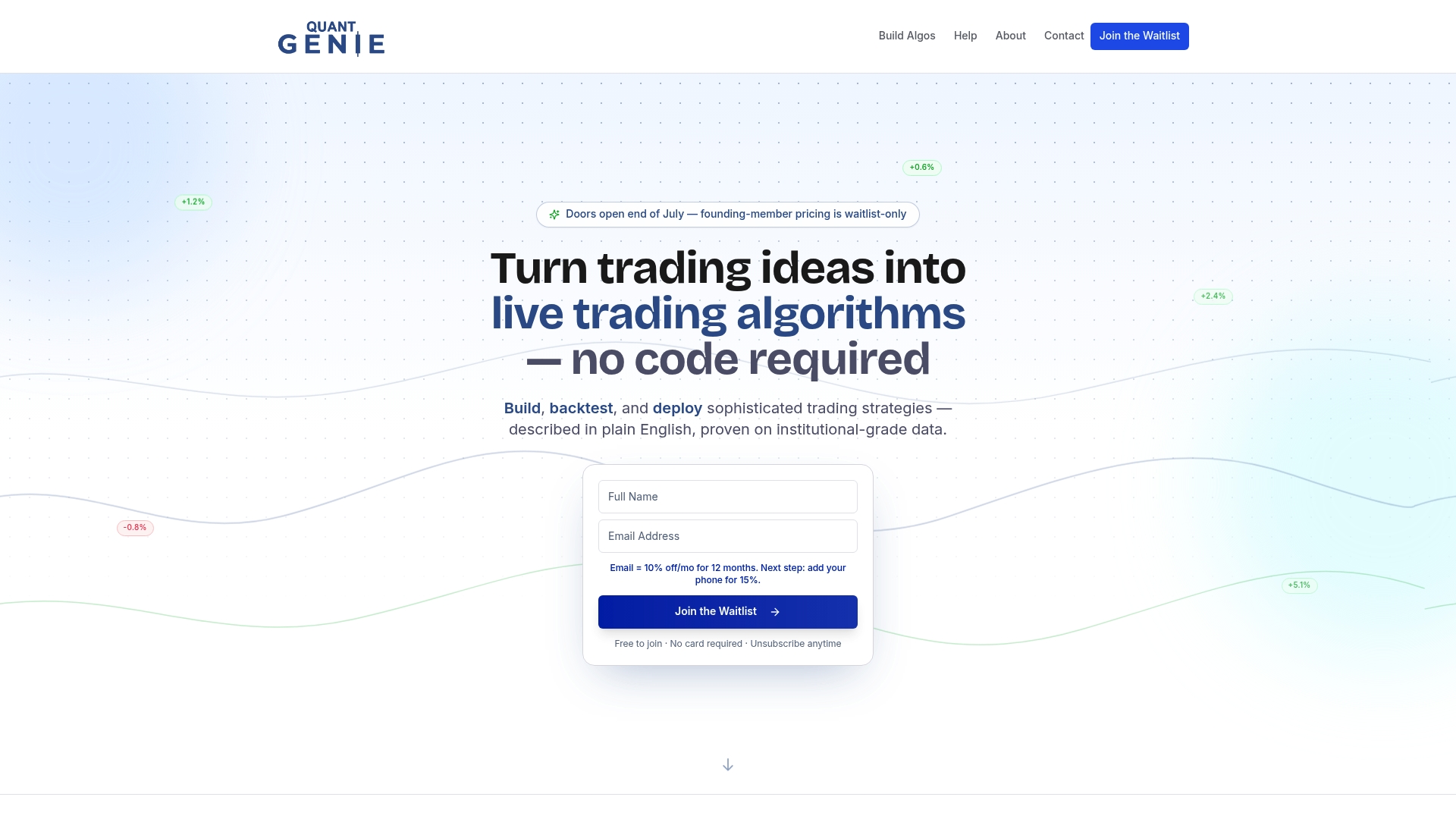
The direct broker integrations mean the same strategy you validated in backtesting deploys live without a manual translation step. For traders who’ve spent time wrestling with EasyLanguage or waiting on a developer to port logic, that alone changes the workflow entirely. Quantgenie also includes portfolio risk analysis tools, historical robustness testing, and an AI-assisted question-asking feature that helps you interrogate your backtest results before you risk capital.
Ready to test a strategy without writing a single line of code? Start your free trial at Quantgenie and run your first deterministic backtest today.
Sources & further reading
- Benzinga: 5 Best TradeStation Alternatives — independent platform reviews with fee and feature comparisons; strong on pricing transparency.
- ChartingLens: 10 Best TradeStation Alternatives — covers migration steps, data fidelity, and no-code platform options in detail.
- SoftwareSuggest: 10 Best TradeStation Alternatives & Competitors — user reviews and feature comparisons across automation and execution categories.
- Strike.money: 15 TradeStation Alternatives — broad shortlist with pricing shapes and hidden-fee warnings.
- Interactive Brokers (IBKR) — primary source for execution metrics, market access breadth, and API documentation.
- Stonk Buddy: Signal Backtesting & Benchmark Comparison — useful for validating backtesting methodology and comparing signal performance benchmarks.
- Quantgenie — platform documentation for no-code strategy creation, deterministic backtesting, and broker integration specs.
This article is general information, not financial or investment advice. Verify platform capabilities, fees, and execution metrics directly with each provider before migrating capital.